Reorganizing Your IT Team and Equipment to Maximize Security Posture
Most security posture problems aren't product problems. They are org chart and equipment layout problems. Here is the reorganization playbook we actually use.
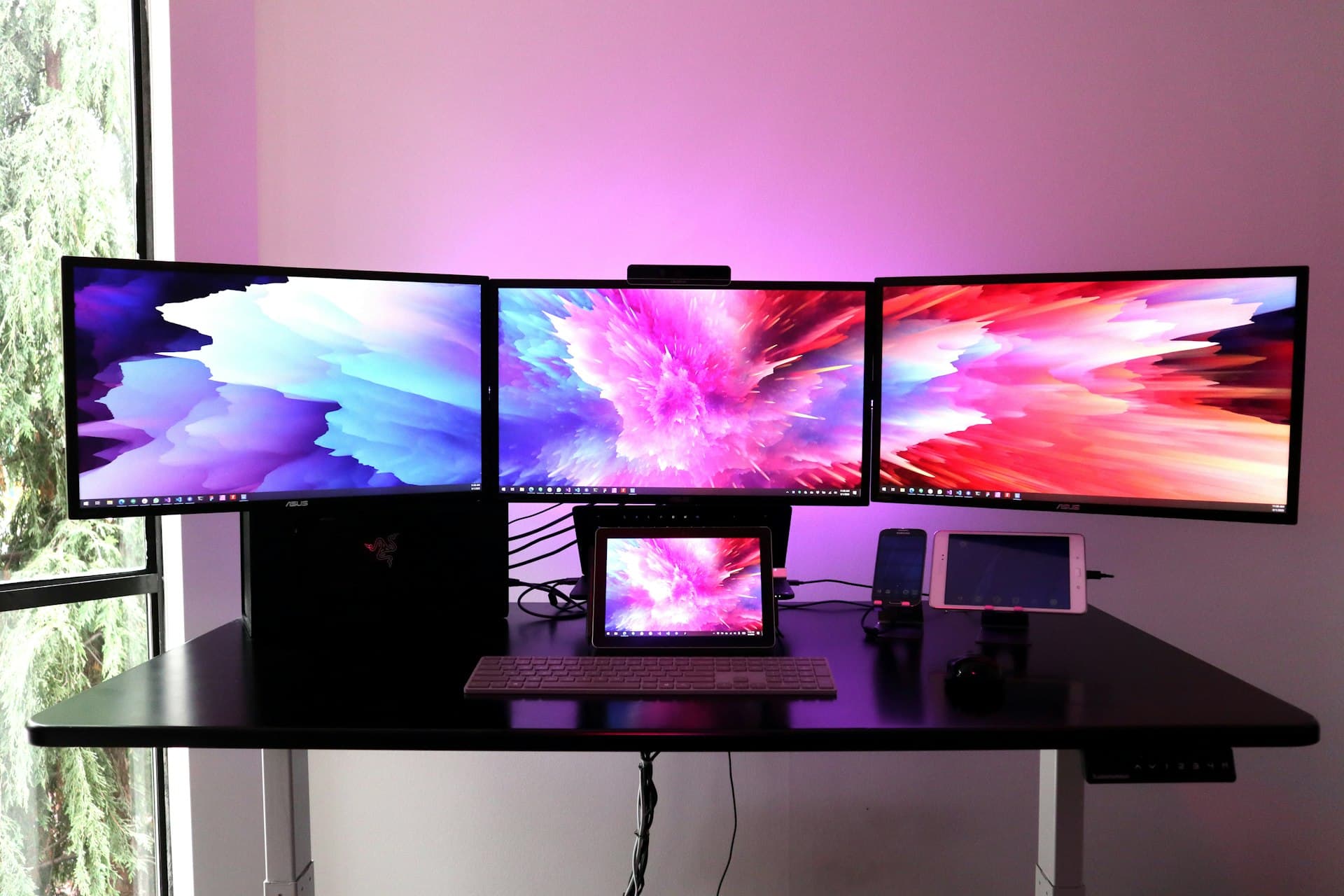
When a customer hires us to help them improve their security posture, the first few conversations are rarely about products. They are about people and about physical layout. Who has access to what, who is responsible for what, where the equipment lives, and how the team is structured to defend it. The single most common pattern we see in organizations that have been breached — and the single most common pattern we see in organizations that are about to be — is a team and an equipment layout that were designed for convenience rather than for defense.
This post is about fixing that. It isn't the glamorous part of security work. It is the part that moves the needle the most.
The convenience-shaped org chart
Most mid-market IT teams grew organically. Somebody was hired to run the network. Someone else was hired to handle the servers. A helpdesk lead got promoted and took over endpoints. Someone on the application side became the de facto DBA. Over a few years, the team settled into silos based on who was good at what, not based on what needed to be defended.
This produces a characteristic failure mode. Every person on the team has admin rights to their own silo, because that is how they get their job done. Nobody has cross-silo visibility. Nobody owns the boundary between silos. When a ransomware event crosses from a user endpoint to a file server to a SQL database, three different people see a piece of it, and none of them see the whole.
The fix is to organize around the security lifecycle rather than around the technology stack. Here is the structure we recommend more often than not, scaled to whatever size team you actually have.
Identity and access ownership. One named person owns the identity platform end to end — user lifecycle, MFA enforcement, privileged account management, access reviews, and offboarding. In a four-person shop, this person has other jobs too, but the ownership is explicit and named.
Endpoint and detection ownership. One named person owns the endpoint estate — imaging, patching, EDR coverage, alert triage, and the relationship with whoever handles SIEM or SOC on the other side (you, an MSSP, or a managed SOC service). This is often the same person who used to "run the helpdesk," but the job description changes meaningfully.
Infrastructure and segmentation ownership. One named person owns the network, the hypervisor estate, and the segmentation posture between them. Their job is not "make the network fast." It is "make sure that a compromised asset on the user LAN cannot reach the crown-jewel data store."
Data and backup ownership. One named person owns the data classification story, the backup platform, and the DR runbook. This is where the ransomware recovery muscle lives. In a lot of organizations this is a fractional role, but it should not be no one's job.
In a 20-person IT team, these are four full roles plus a manager. In a four-person team, these are four hats worn by four people who also do other things. Either way, the named ownership is what makes the rest of the playbook possible.
The convenience-shaped equipment layout
The second layer of the problem is physical. The file server sits in the same VLAN as the user workstations because that's where the switch port was. The Active Directory domain controllers sit in the same subnet as the test environment because it was faster to stand them up that way. The backup appliance is reachable by every admin workstation because of a long-ago emergency restore that nobody ever locked back down.
Every one of these shortcuts is an attacker's dream. The whole premise of modern ransomware tradecraft is lateral movement from a low-value entry point (the first user who clicked the phish) to a high-value target (domain admin or the backup appliance). Everything you can do to make that lateral movement slower, noisier, and harder is a direct improvement to your security posture.
Here is what the equipment reorganization actually looks like. It is boring, and it works.
Segregate the management plane. Hypervisor management interfaces, storage array management, backup appliance consoles, network device management, and IPMI/iLO/iDRAC interfaces all move to a dedicated management VLAN that is reachable only from a small number of privileged admin workstations, not from the general IT LAN and certainly not from the user LAN. If your hypervisor hosts are on the same network as your user laptops, fix this week.
Put crown jewels behind their own segment. The file servers with regulated data. The SQL database that holds customer PII. The engineering drawings server. The finance shares. These go into their own segmented VLAN with a firewall rule set that specifies exactly which user groups and which application servers can reach them, and denies everything else. This is the single most effective thing you can do against ransomware lateral movement.
Air-gap the backup target. Your backup appliance should not be accessible from the production domain. Use a separate credential set, an isolated network, and ideally an immutable storage tier. The attacker's first move after gaining domain admin is to find and destroy the backups. Make that hard.
Move privileged admin workstations to their own zone. The workstations your admins use to RDP into production should not be the same workstations they use to check their email. This is the privileged access workstation (PAW) pattern, and it is one of the few Microsoft prescriptive guidance documents worth reading end-to-end. In small shops, a dedicated VM per admin is enough.
Retraining the team against the new layout
The reorganization isn't complete when the cable is moved. It is complete when the team's habits have moved. The first six weeks of any team reorganization are full of "I just need to get to the thing" moments, and every one of them is an opportunity to shortcut the new structure and defeat the whole exercise.
Two habits matter most. First, no emergency work happens outside the new privileged workstation path. If the on-call engineer needs to fix a production issue at 2 a.m., they do it from the PAW, not from their laptop. If the PAW is unavailable, the fix waits or an escalation happens. No exceptions. Second, access reviews become a real recurring meeting. Every quarter, the four role owners sit down with the manager and walk through the list of who has admin rights to what, and everything that isn't actively justified gets revoked on the spot.
The cultural piece nobody talks about
The reason most of these changes fail is not technical. It is that senior IT staff who have had the run of the environment for years experience the new controls as an insult. "You don't trust me" is the unspoken subtext, and it is a legitimate feeling that has to be handled with care.
The honest framing is that this is not about trust. It is about blast radius. The most senior engineer on your team is also the most valuable target to an attacker, because their credentials reach the most things. Reducing the blast radius of a compromised account is not a statement about the engineer's character. It is a statement about the defensive posture of the whole organization.
We have watched this work when the message comes from the top with real conviction, and we have watched it quietly fail when it was rolled out by a middle manager who was themselves nervous about the pushback. Make sure the executive sponsor understands what is being asked and is visibly supportive of it.
Three takeaways
- Ownership before products. Four named owners across identity, endpoint, infrastructure, and data will improve your posture more than any single security product you can buy this quarter.
- Segment the physical layout. Management plane, crown jewels, backup targets, and privileged workstations all belong on their own segments. This is the biggest lateral-movement defense you can build in a week.
- Culture, not technology, is where the rollout dies. Senior staff need to understand that reduced blast radius is about the organization, not about trust. The executive sponsor has to make that message visible.
Talk with us about your infrastructure
Schedule a consultation with a solutions architect.
Schedule a Consultation